THE STUDIO NOTEBOOK
How to Choose the Right Lettering Size for Embroidery
Plan readable lettering for the available space, fabric, and stitch details.
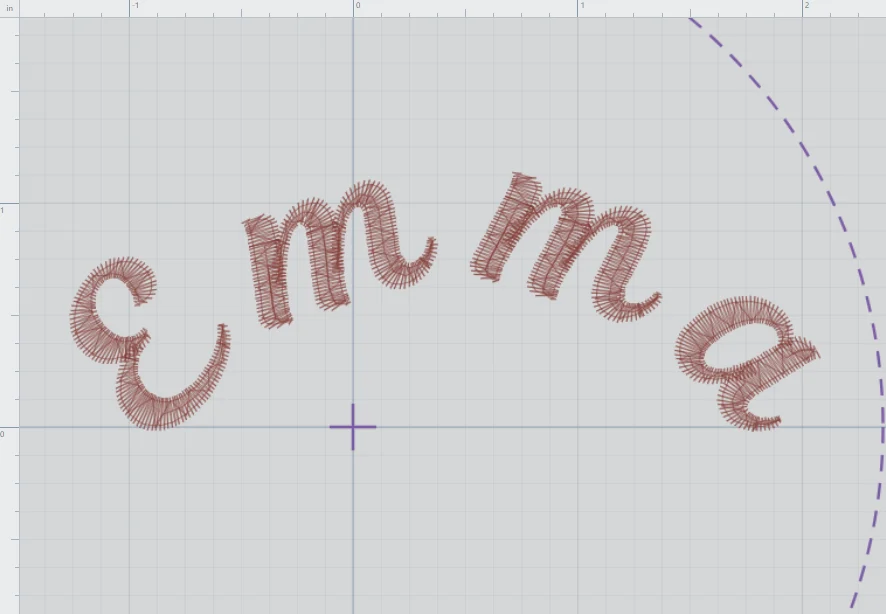
Measure the available space
Measure the area on your item and leave room around seams, edges, and fastenings. Compare the complete design dimensions with the hoop you intend to use.
Set a nominal letter height
The prepared font selection offers sizes from 0.30 to 3.00 inches in 0.05-inch steps. Some selections scale from a nearby native stitch size. Nominal font height and a particular letter’s visible height can differ.
Inspect narrow details
Thin strokes, small openings, and close spacing can be hard to sew at small sizes. A simple block style is often a better starting point than a detailed script for a small label.
Check in Stitch View
Zoom in to inspect gaps and joins, then use Fit Design to see the whole arrangement. Screen zoom changes your view, not the exported design size. Check the numerical dimensions.
Make a sample
Use your intended fabric, stabilizer, thread, and needle. Inspect the stitched sample for readability and puckering. Adjust your size or font and test again before the final piece.