Words, with personality
Type a name or message, choose an embroidery font, and adjust size, spacing, thread color, and alignment.
INSIDE YOUR STUDIO
Create lettering and monograms, arrange your design, and inspect the stitches before export.
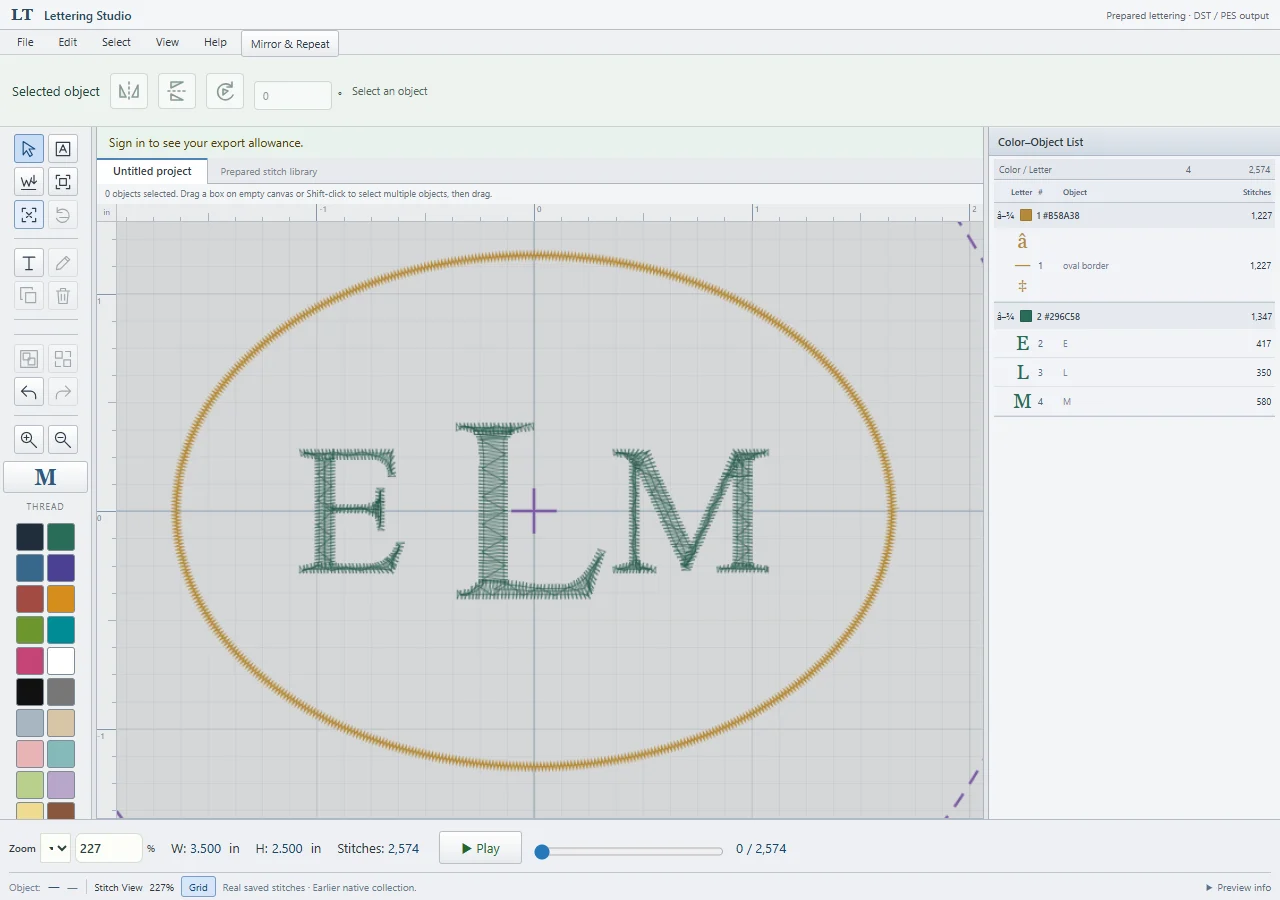
Type a name or message, choose an embroidery font, and adjust size, spacing, thread color, and alignment.
Arrange initials with monogram styles and add a border. Choose the order you want the initials to appear.
Use Stitch View and stitch playback to inspect your design before exporting. Zoom to fit for a closer look.
Move, rotate, reflect, duplicate, and arrange objects. Use straight, vertical, or curved lettering layouts.
Save and reopen cloud projects with your verified email. Imported PES or DST designs stay with your project, outside the shared gallery.
Export in Tajima DST or Brother PES. Choose a format supported by your machine and check the finished size and hoop.
Import your own PES or DST embroidery file to use alongside your lettering. It can be saved inside your project and reopened later; it is not added to the shared gallery. The gallery also lets you find designs by category or name. Purchased designs appear in your gallery dock.
Mirror & Repeat makes reflected and repeated arrangements. Select objects to move, rotate, or reflect them; use the object list to find elements in a busy design. For individual letters, Select Letter lets you adjust their placement, and Reset to Straight restores the straight arrangement.
Free access currently includes all available fonts and tools, 30 exports each calendar month, and up to 10 saved cloud projects.
A LITTLE THREAD. A LOT OF POSSIBILITY.
A name for a gift. Initials for a keepsake. Your next idea starts here.
Open Free Embroidery Studio