Words, with personality
Type a name or message, choose an embroidery font, and adjust size, spacing, thread color, and alignment.
FOR THE THINGS ONLY YOU CAN MAKE
Create embroidery lettering and personalized monograms directly in your browser. Preview your designs and prepare embroidery files for your machine.
All available fonts & tools · 30 exports per month · 10 saved cloud projects
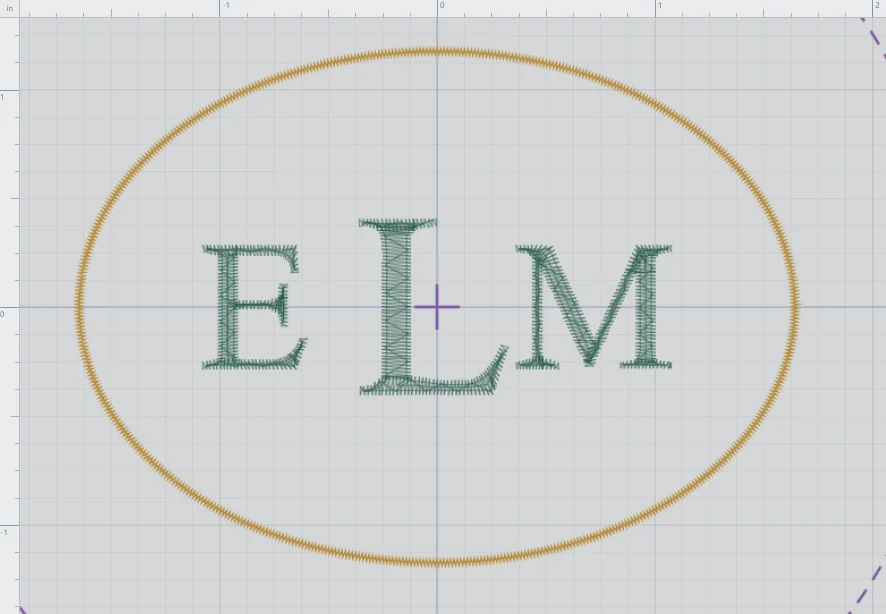
Three initials. Something entirely your own.
A SMALL STUDIO. ROOM TO CREATE.
Personalize a gift, plan a keepsake, or add lettering to your next embroidery project.
Type a name or message, choose an embroidery font, and adjust size, spacing, thread color, and alignment.
Arrange initials with monogram styles and add a border. Choose the order you want the initials to appear.
Use Stitch View and stitch playback to inspect your design before exporting. Zoom to fit for a closer look.
Move, rotate, reflect, duplicate, and arrange objects. Use straight, vertical, or curved lettering layouts.
Save and reopen cloud projects with your verified email. Imported PES or DST designs stay with your project, outside the shared gallery.
Export in Tajima DST or Brother PES. Choose a format supported by your machine and check the finished size and hoop.
YOUR LETTERING, YOUR WAY
Start with a straight line, stack letters vertically, or place your lettering on an arc. Change the font, color, and spacing until the arrangement feels right.
Make your first lettering design →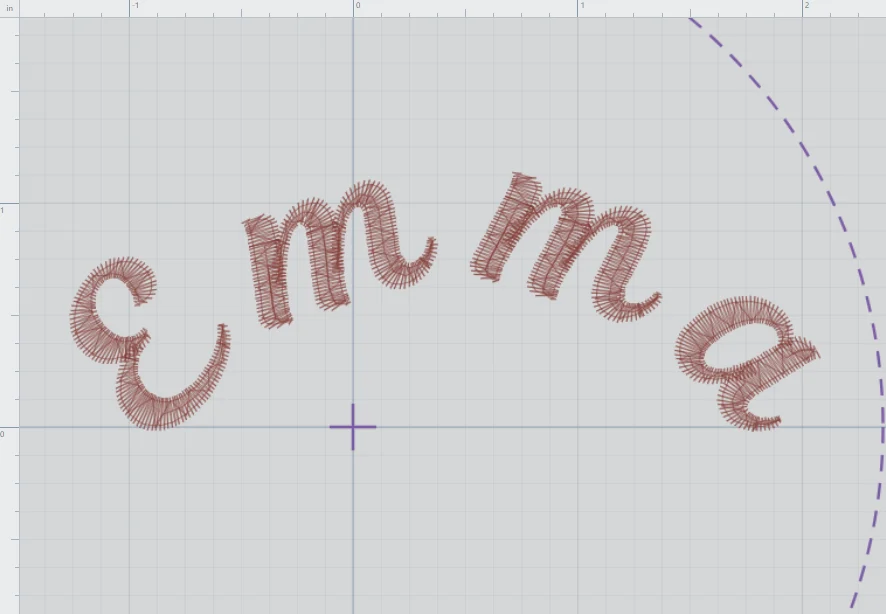
YOUR FIRST DESIGN
Open the studio, sign in with an emailed code, then add your text or initials and choose a font.
Adjust size, spacing, layout, and thread color. Inspect the design in Stitch View.
Save as DST or PES, check your machine’s requirements, and test the design before stitching your final piece.
WATCH THE REAL APP
This 30-second demonstration shows typing, choosing a font, curving lettering, and creating an initials design. No sound is needed to follow the screen.
Prefer step-by-step instructions? →FREE TO START. CLEAR FROM THE START.
Allavailable fonts & tools
30machine exports per calendar month
10saved cloud projects at a time
Sign in with your email verification code. Your saved projects and export allowance stay linked to your verified email.
A few things to know before you begin →A LITTLE THREAD. A LOT OF POSSIBILITY.
A name for a gift. Initials for a keepsake. Your next idea starts here.
Open Free Embroidery Studio